OBS Bespoke Setup: your rig, not somebody else’s tutorial
Push picture and sound quality as far as your actual PC, encoder, upload and chosen streaming service can safely carry, instead of borrowing settings from somebody else’s gaming rig.
What you get
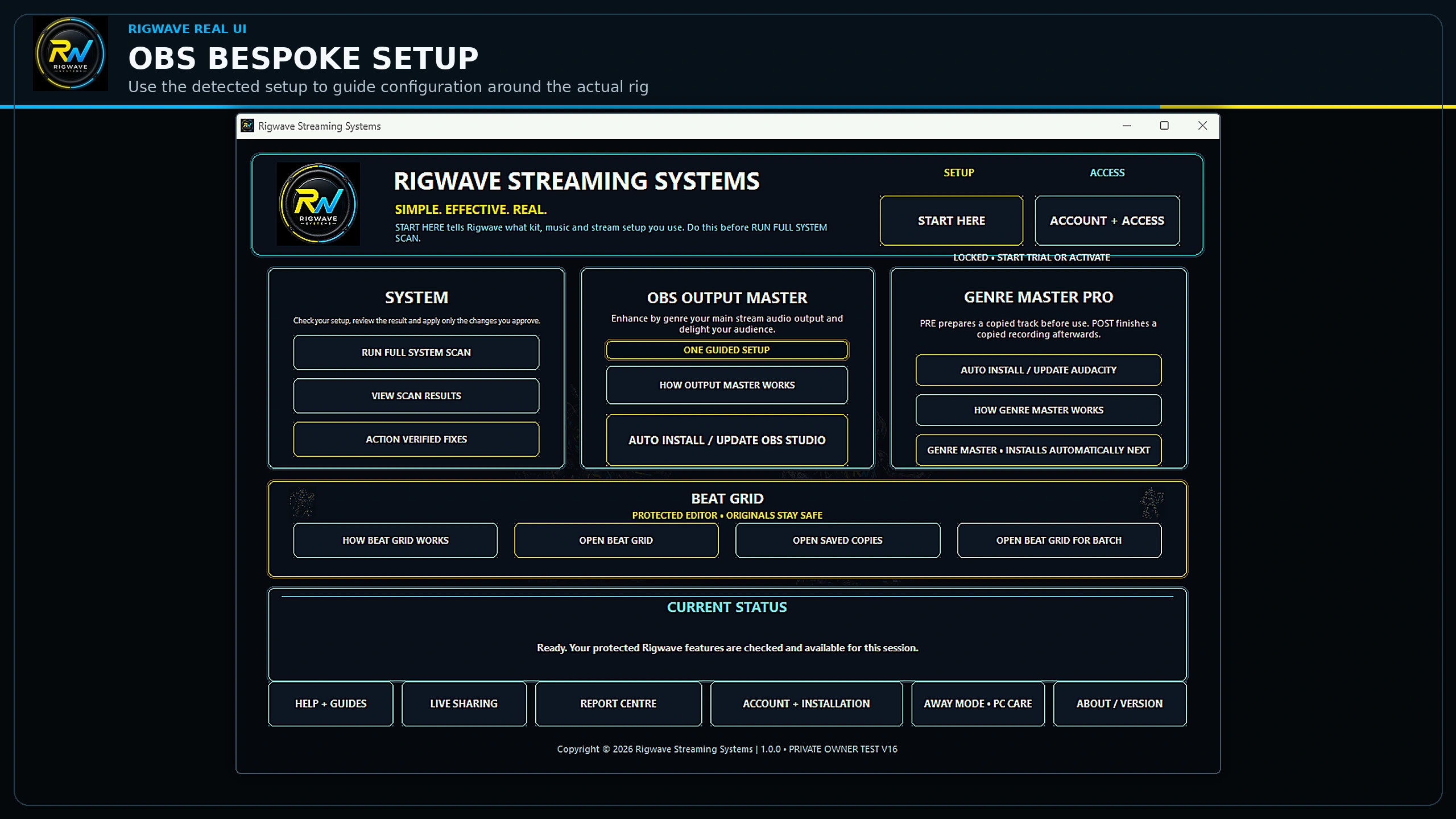
RigWave checks the supported OBS setup, available encoders, GPU/CPU headroom, resolution, frame rate, audio path, measured connection evidence and the selected streaming service. It then proposes supported settings at the strongest sensible quality the rig can sustain and re-reads OBS afterwards to confirm what actually took.
Why setup-specific settings help
More quality when your rig has room. More restraint when it does not. The aim is to find the strongest sensible operating point for the machine in front of you, explain the compromise and verify the effective settings instead of hiding behind a generic preset.
Platform-aware, not one-size-fits-all
The V1.0 target is simple: do not leave useful quality on the table, and do not push past what the rig can carry. For each supported service, RigWave uses that service’s current output rules as the ceiling, then chooses within detected PC and measured upload headroom.
- Video encoder and encoder preset where safely supported.
- Output resolution, scaling method and frame rate.
- Video bitrate and rate control with headroom for network overhead.
- Keyframe interval and other service-required output values.
- Audio sample rate, channels and bitrate where supported.
- Network resilience options such as dynamic bitrate only when appropriate.
- A lower-load fallback when the higher-quality option would put the stream at risk.
Important: a platform allowing a heavier mode does not make it a good choice for every PC. Multi-encode features can improve viewer options while also increasing load, so “supported by the platform” is never treated as “switch it on regardless”.
The beginner journey
- RigWave checks the supported PC, OBS setup, selected streaming service and available connection evidence.
- You see what it found in normal language.
- RigWave shows the supported changes it proposes, why they help and any quality compromise.
- A verified restore route is created before settings are changed.
- You approve the supported changes.
- RigWave applies the supported OBS settings.
- RigWave re-reads the effective settings and runs a post-change health check.
- You get a clear result: Healthy, No change recommended, Needs another step, Restore advised, or Cannot safely determine.
RigWave can optimise supported OBS settings and reduce avoidable load, but no software can guarantee every stream against ISP problems, platform outages, third-party crashes or unsupported hardware. The aim is a supported recommendation that fits your setup, followed by checks of the result.
Top tips
- Use the exact programme source you intend to broadcast.
- Test scenes and meters before the audience arrives.
- Keep third-party plug-ins updated from their makers.

Evidence first, confident action second.
Explore the audio and OBS tools, then check the results on your own setup when testing becomes available.