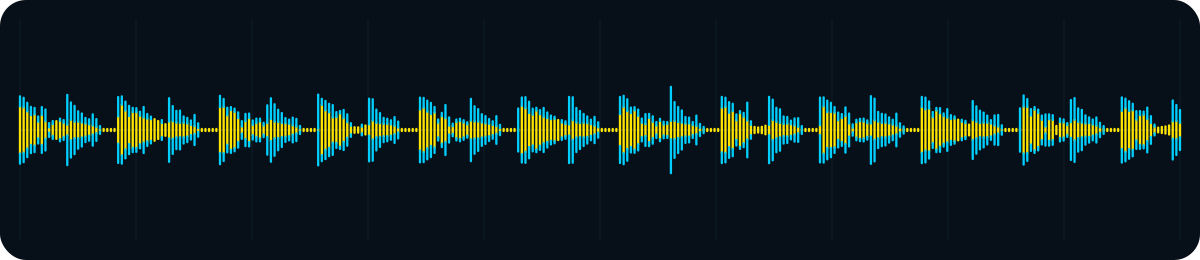
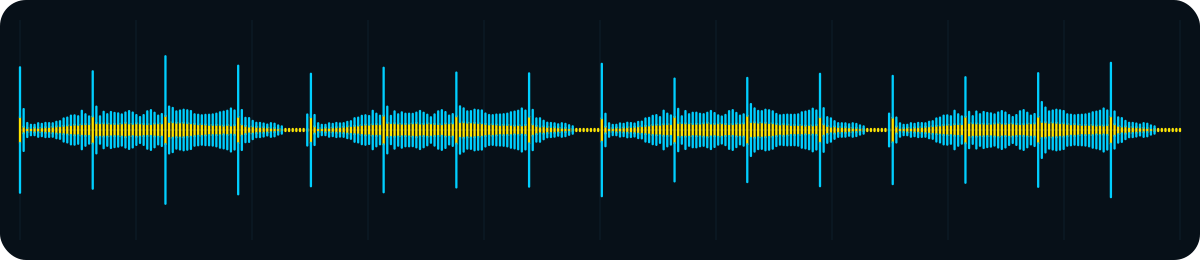
BEFOREUnshaped baselineSample peak -6.0 dBFS
Choose the genre and where it will be heard. RigWave is designed to guide processing on a copy that you can compare with your original. For live outgoing sound, use the separate Genre Master Out workflow in OBS.

DnB isn’t house. Techno isn’t trance. A DJ mix isn’t a podcast. Genre Master Pro starts from the musical job and the material in front of it instead of forcing everything through one generic recipe.
Useful control, punch, clarity, separation and space while preserving the character you created. The aim is not “make everything louder”, and it is not there to replace your ears or your taste.
My day job is high-end hi-fi and AV. RigWave’s audio logic combines that real-world listening experience with benchmarks, audio principles and repeatable coded rules. It is not an AI improvising a new opinion about “good techno” every time you click.
V1 target. Final Audacity/Nyquist licence, Windows/Audacity field proof and customer-safety evidence remain final checks. No universal “perfect master” guarantee is made.
Enough adjectives. Put headphones on and hear the idea. Pick a genre, play the BEFORE clip, then the AFTER clip. The waveform underneath is generated from the exact demo audio: yellow is the waveform body, blue shows the peak tips.
Punch without punishment: control heavy low-end and fast transients while keeping the break snapping.
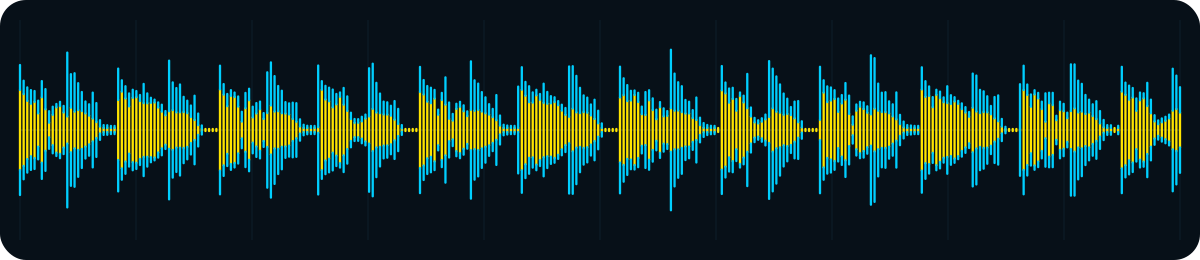
Demo honesty: these are purpose-made synthetic RigWave demonstration clips. No third-party songs, recordings, loops or artist performances are used. They demonstrate the design idea, not a promise that every source or the final V1.0 build will produce this exact result.
STEREO WIDTH + SOUNDSTAGE
Stereo width is the left-to-right spread. Soundstage is the bigger illusion: where sounds seem to sit, how separated they feel, and whether the mix has depth rather than arriving as a flat wall.
Think of a DJ booth on an empty stage. If every performer stands on the same floor tile, nobody has space. RigWave's audio thinking is about keeping the important centre anchor strong, then opening appropriate material around it. Wider is not automatically better. A stretched smear is still a smear.
Kick / sub: usually anchored. Pads / atmosphere / selected detail: can open. Mono compatibility: still matters.
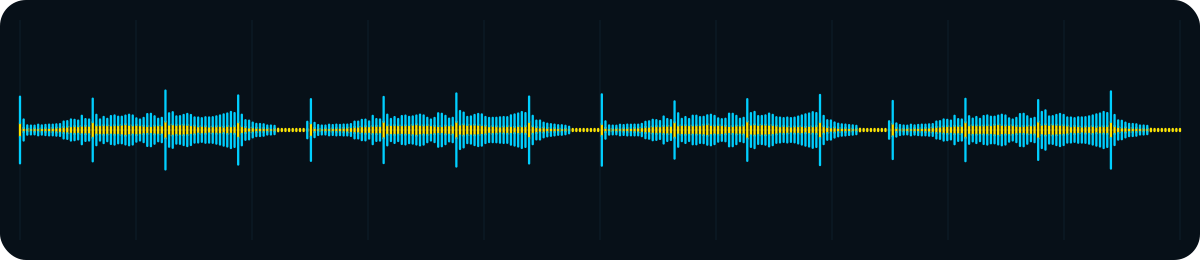
This historical development capture uses the earlier Genre Master label for the workflow now called Genre Master Pro. Fresh final processing-control screenshots will be captured from the exact final Windows version.
