Multi-app Routing: see where your audio goes
See the signal path before you touch it. Know which app is sending what, where it is going and which route makes sense for the job.
What you get
RigWave looks at supported DJ, audio and streaming apps as one signal chain. When more than one route is valid, it can recommend a likely best path and explain the alternatives before routing changes are made.
Why it matters on air
Silence, double audio, echo, feedback or the wrong destination often comes down to one bad route. Seeing the path clearly makes troubleshooting faster and makes it less frightening to touch a setup that was working yesterday.
How the intended workflow works
- Detect the apps and devices in the chain.
- Show the likely active route.
- Recommend a route in plain English.
- Ask before routing-affecting changes.
See the setup before changing its audio routes
A genuine RigWave test view of the wider suite. Final routing evidence will use the exact Windows version and supported apps rather than a mock diagram.
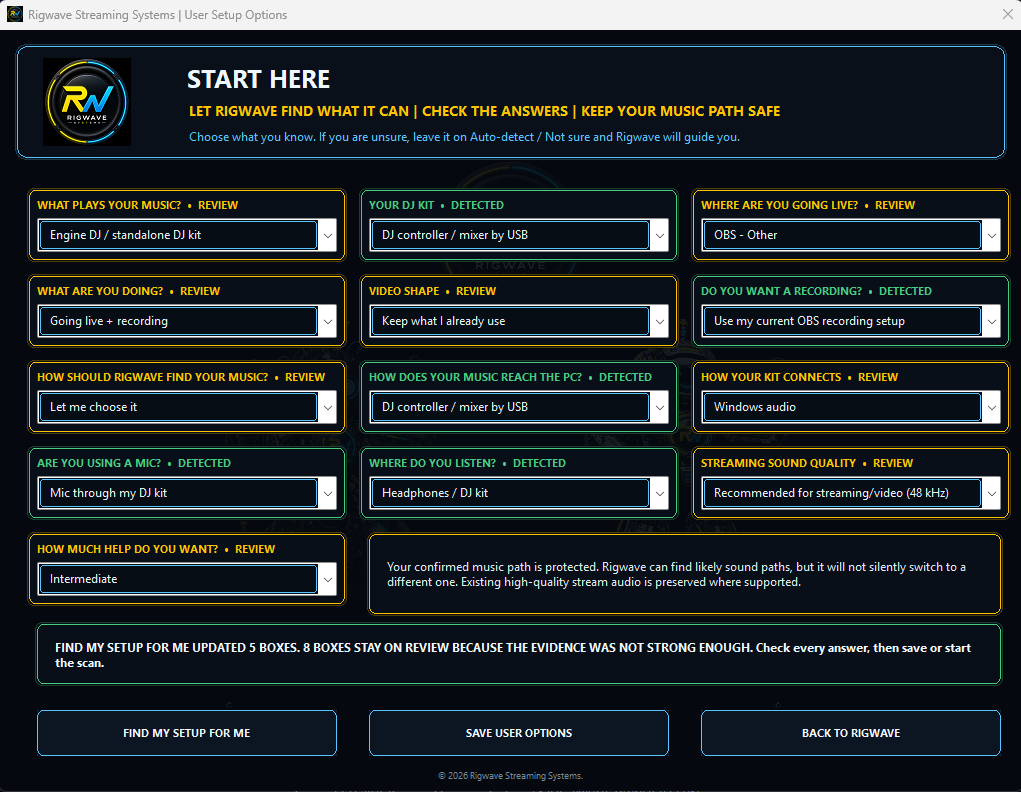
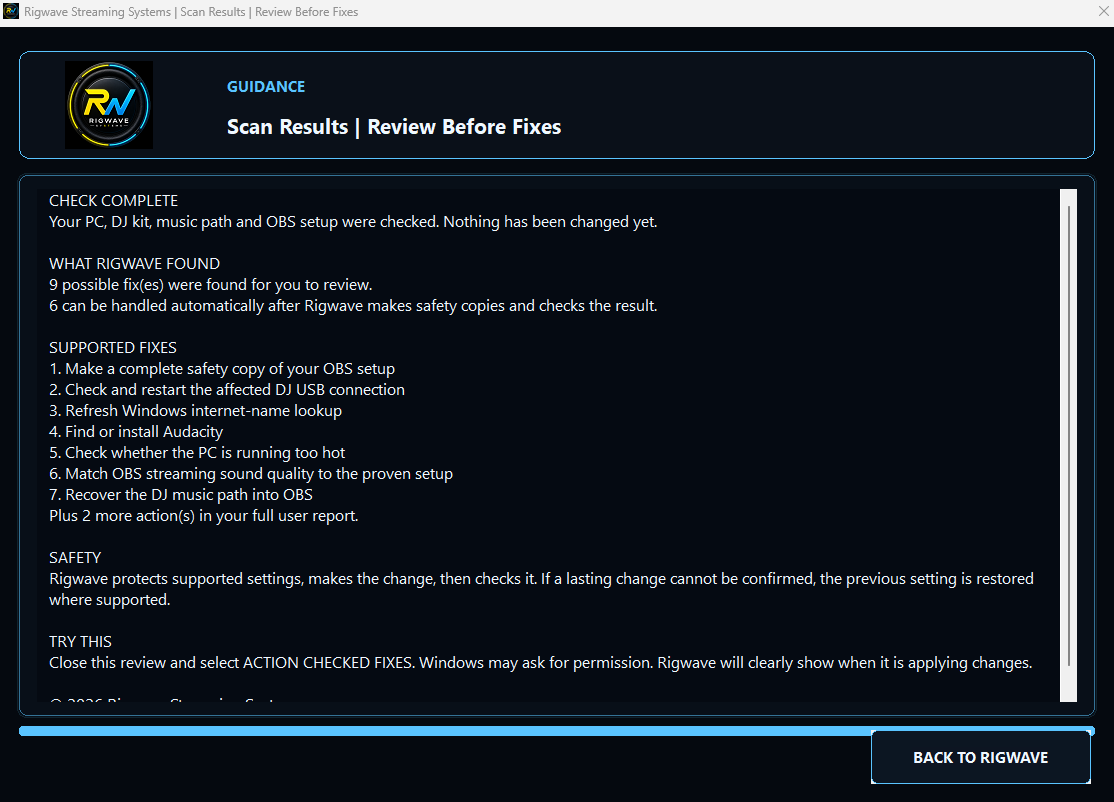
Findings are reviewed before routing changes are supported.
Top tips
- Change one route at a time when diagnosing a problem.
- Check for duplicate monitor paths.
- Keep a simple fallback route ready for live work.

Find the real fault. Keep the safe path visible.
Explore scanning, audio routing and troubleshooting. Finding a problem is the first step; any supported fix still needs to be checked.