Beat Grid: keep the beat markers with the music
Check whether a supported track’s beat grid drifts out of time. Review any processed copy before use and keep the original file safe.
Plain English: a beat grid is the timing markers your DJ software uses to line up the beat. RigWave checks whether those markers stay useful through the track.

What you get
RigWave helps identify supported beat-grid drift and, where processing is supported, produces a separate copy for you to inspect and verify while the original music file remains untouched.
Why alignment matters
A drifting grid steals attention exactly when you should be thinking about the mix. Catch it earlier, reduce repetitive manual editing and keep your focus on phrasing, energy and the transition rather than repairing the ruler underneath it.
How the intended workflow works
- Choose the track or copy.
- Follow the short guided check.
- Review the detected grid issue.
- Review the processed copy, verify the grid before use, and leave the original protected.
REAL INTERFACE · THREE STEPS
See the Beat Grid workflow.
Feature art explains the idea. These genuine development captures show the current interface.
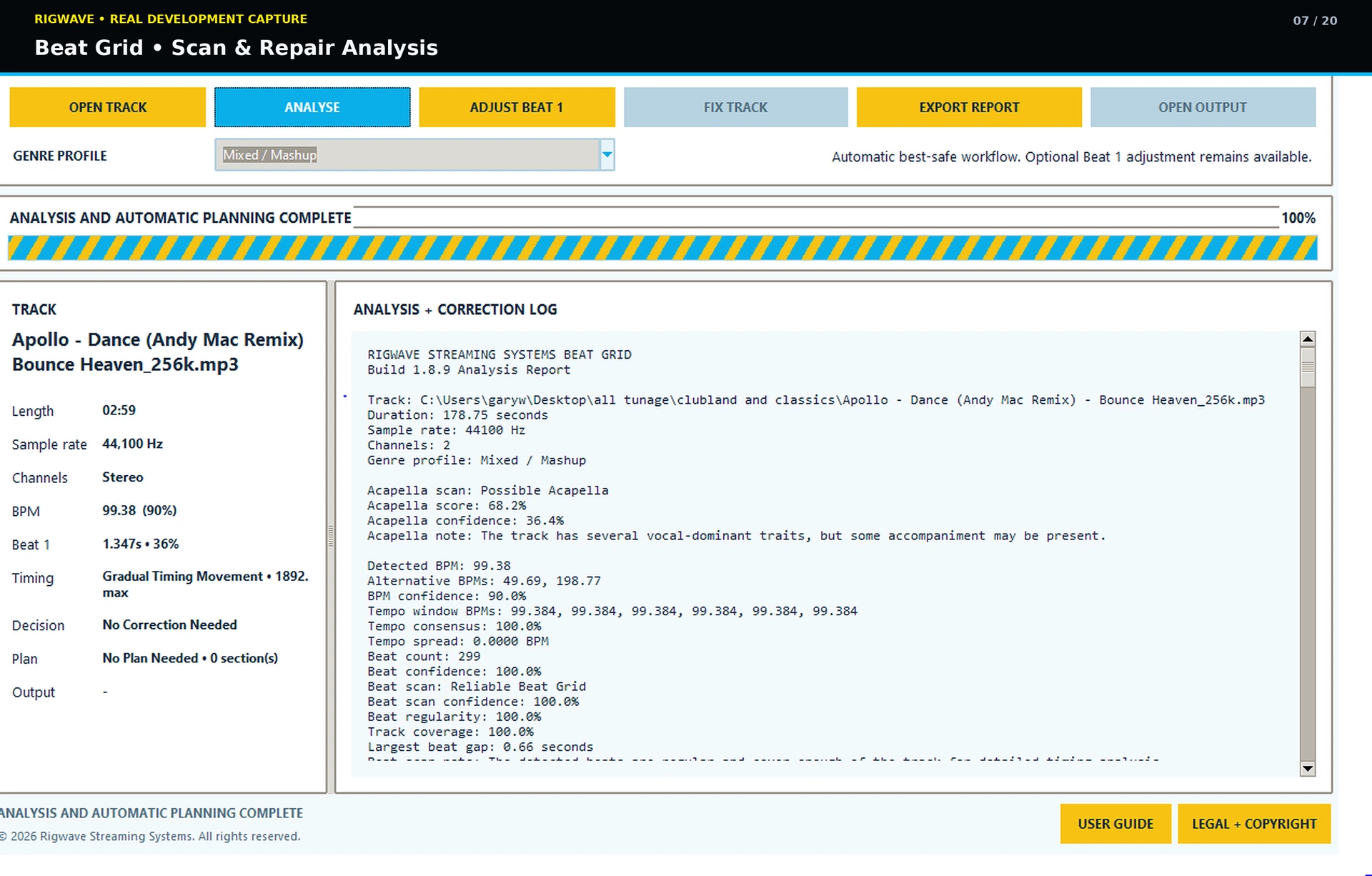
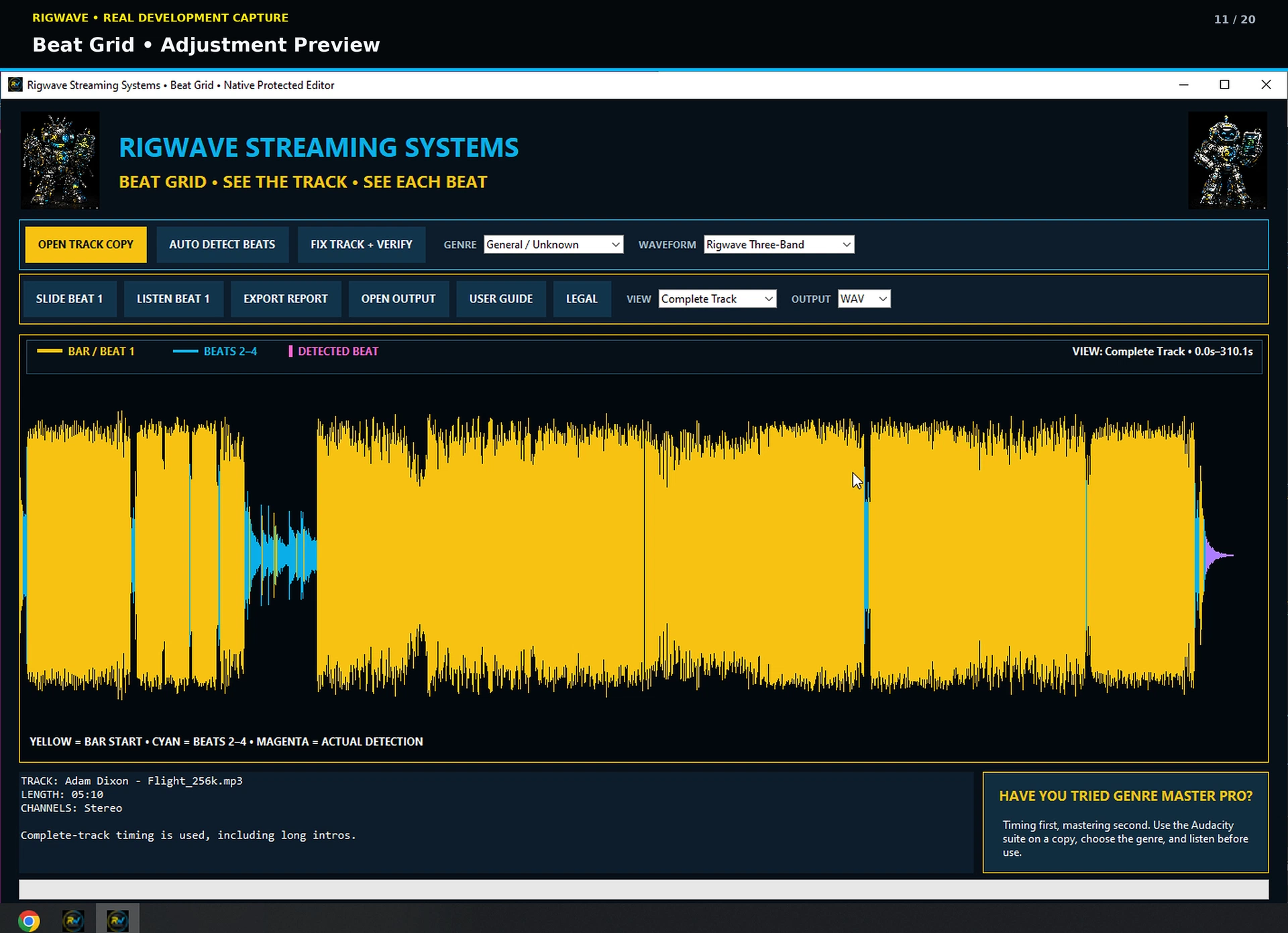
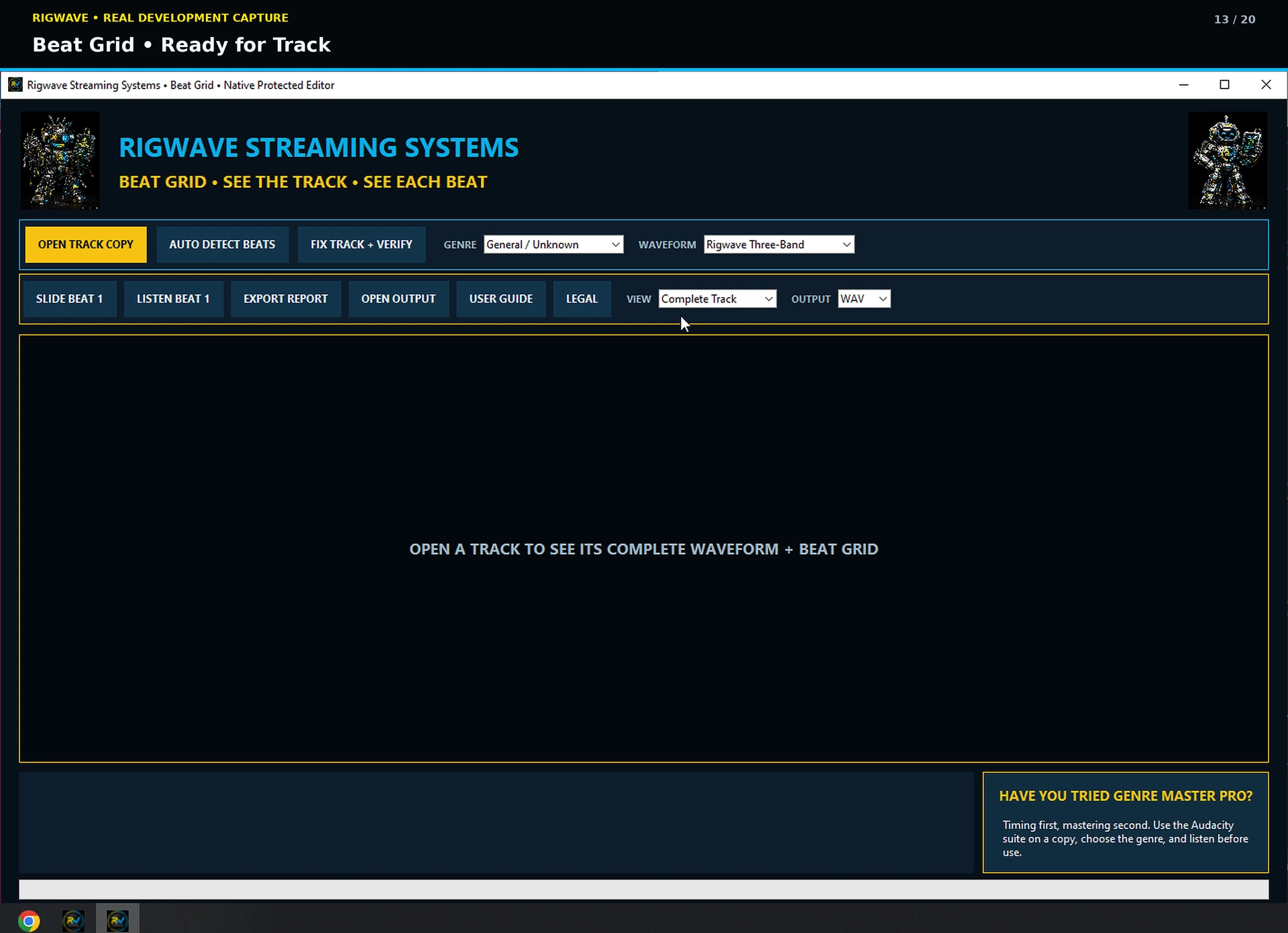
Evidence boundary: screenshots prove these development screens exist. Final correction quality remains tied to the exact tested Windows build and supported track.
Top tips
- Check the intro, a busy section and the ending for drift.
- Try one real transition with another track.
- If your ears and the grid disagree, keep the original.