PRE-BETA VALIDATION • Beta testing is being prepared. Public download and checkout remain closed.
RigWave logoRIGWAVESTREAMING SYSTEMS

RIGWAVE CONTAINMENT FILES

Meet the stream gremlins.

Recognise a symptom. Understand what could be happening. Explore the evidence.

These characters are memorable guides to fault categories. They are not diagnostics, measured detections or proof that your rig has a fault. Several causes can produce the same symptom.

8 characters

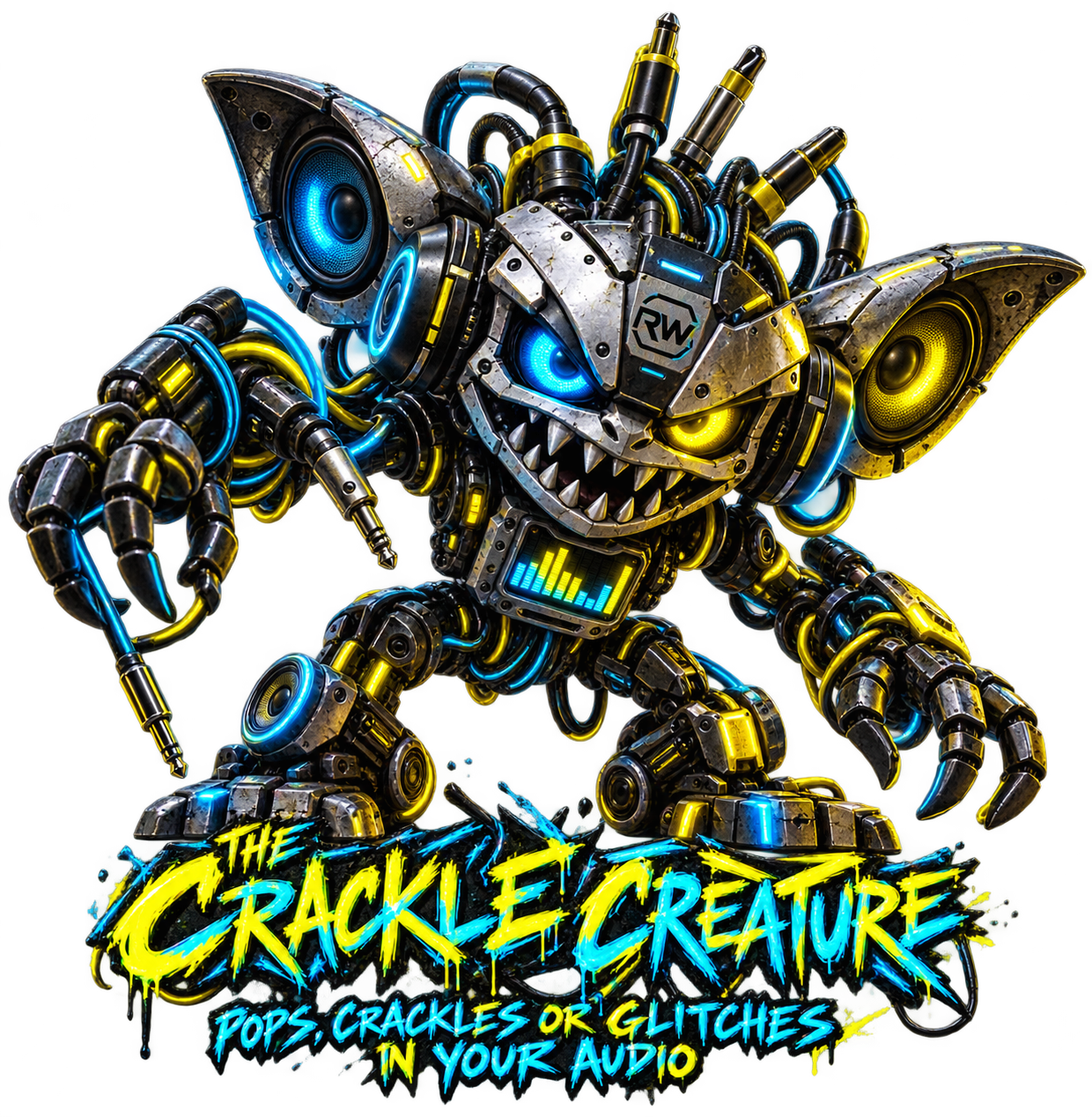
The Crackle Creature, a mechanical RigWave character

G-01 · Audio

The Crackle Creature

Pops, crackles or glitches interrupt the sound.

Understand this symptom

Audio interruptions can have several causes, including device settings, drivers or an overloaded PC.

What to review with RigWave

Compare audio-device settings and system-load evidence; a character name cannot establish the cause.

Available checks depend on the build and your equipment. Public download remains closed.

Explore the current programs
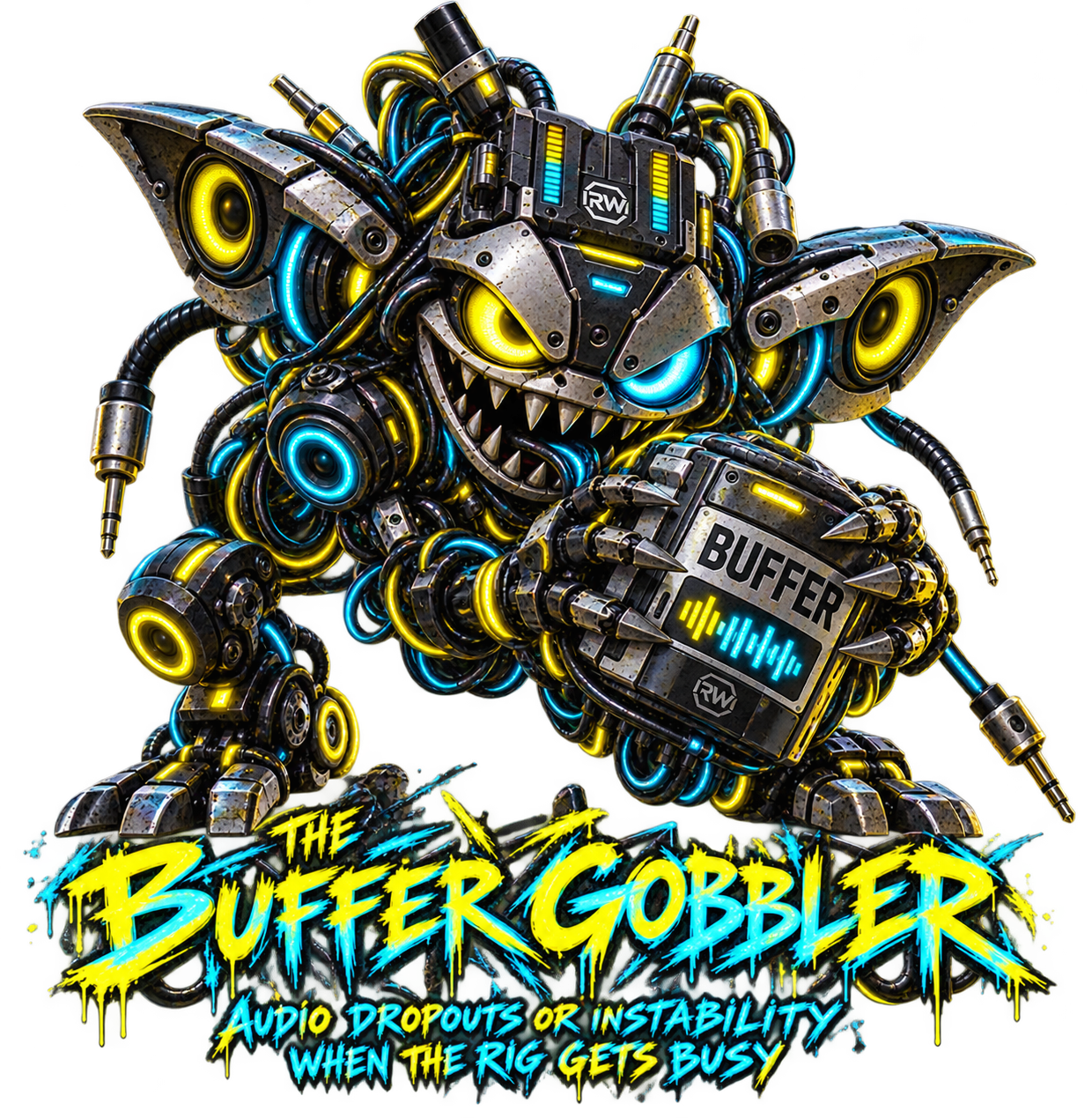
The Buffer Gobbler, a mechanical RigWave character

G-02 · Timing

The Buffer Gobbler

Sound stutters or arrives later than expected.

Understand this symptom

Audio waits briefly in a buffer before playback. Timing changes can trade delay against reliability.

What to review with RigWave

Review delay and interruption evidence for the actual devices and applications in use.

Available checks depend on the build and your equipment. Public download remains closed.

Explore the current programs

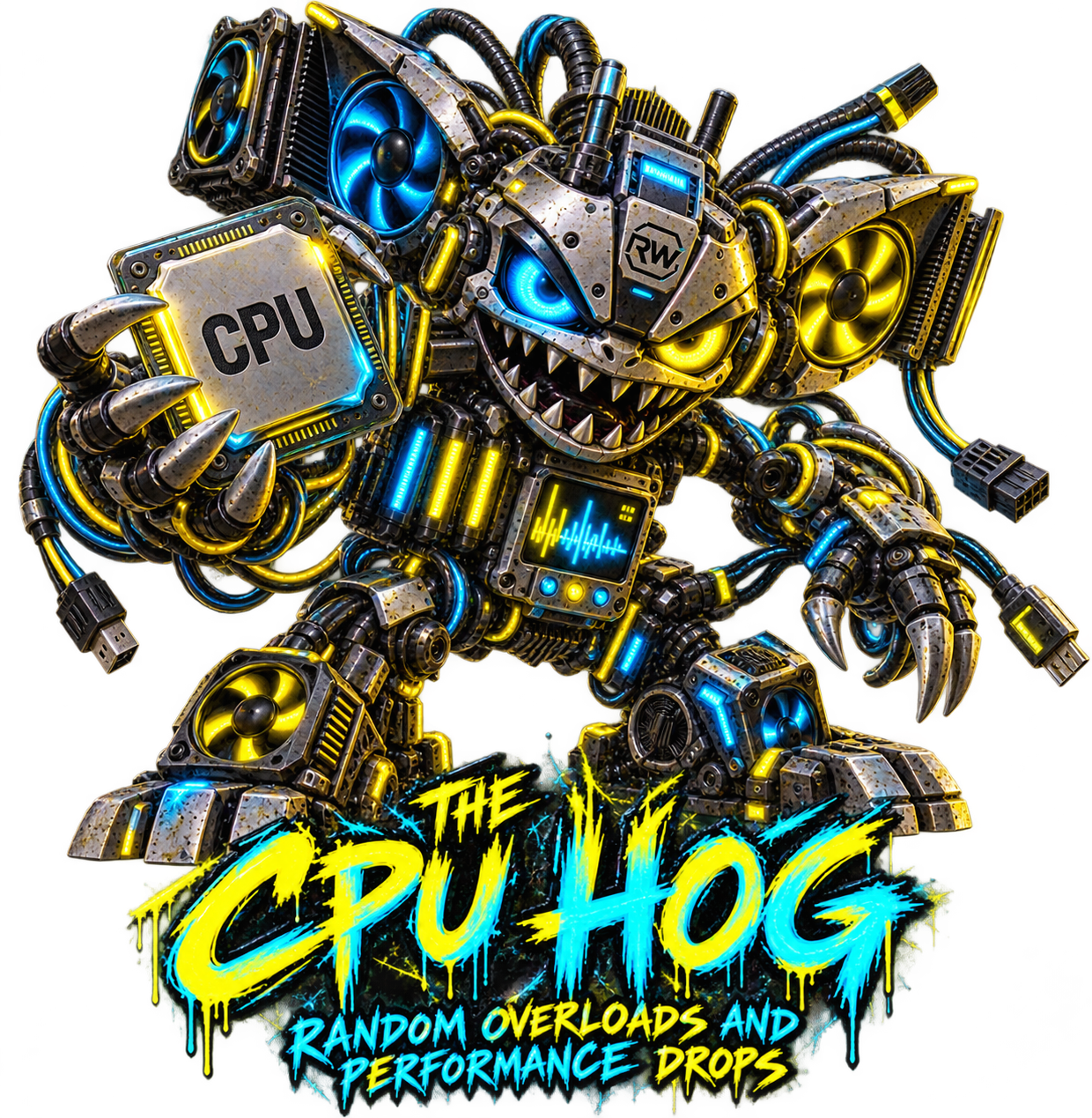
The CPU Hog, a mechanical RigWave character

G-03 · System

The CPU Hog

The PC struggles when several programs run together.

Understand this symptom

The processor shares its time between programs. A busy processor can affect real-time work.

What to review with RigWave

Look at measured system load and the tasks active when the interruption occurs.

Available checks depend on the build and your equipment. Public download remains closed.

Explore the current programs
The USB Juggler, a mechanical RigWave character

G-04 · USB

The USB Juggler

A connected device disappears or keeps reconnecting.

Understand this symptom

USB devices can share connections and power. A reconnect alone does not identify the faulty part.

What to review with RigWave

Review device connections and available event evidence before changing hardware.

Available checks depend on the build and your equipment. Public download remains closed.

Explore the current programs
The Network Nibbler, a mechanical RigWave character

G-05 · Network

The Network Nibbler

The stream pauses or loses connection.

Understand this symptom

Sending a live stream depends on the connection and the receiving service as well as the PC.

What to review with RigWave

Review connection and stream evidence; do not assume every interruption starts on the local machine.

Available checks depend on the build and your equipment. Public download remains closed.

Explore the current programs
The Cable Chaos, a mechanical RigWave character

G-06 · Routing

The Cable Chaos

You can hear something, but the audience cannot.

Understand this symptom

Sound must reach the intended input, application and output. A working headphone feed does not prove the stream receives it.

What to review with RigWave

Review the intended sound path and selected inputs and outputs.

Available checks depend on the build and your equipment. Public download remains closed.

Explore the current programs
The Stream Launcher, a mechanical RigWave character

G-07 · Video

The Stream Launcher

The stream starts with the wrong picture or missing sound.

Understand this symptom

Starting a broadcast involves scenes, sources and outputs. Each must be checked for the intended audience.

What to review with RigWave

Review the planned scene, source and audio path before broadcasting.

Available checks depend on the build and your equipment. Public download remains closed.

Explore the current programs
The Mix Gremlin, a mechanical RigWave character

G-08 · Audio

The Mix Gremlin

The audience hears an unexpected balance or level.

Understand this symptom

Different listening paths can make the same mix seem different. Intentional artistic choices are not faults.

What to review with RigWave

Compare the intended output with available level and sound-path evidence without judging the performance.

Available checks depend on the build and your equipment. Public download remains closed.

Explore the current programs

Explore RigWave help